> ## Documentation Index
> Fetch the complete documentation index at: https://docs.commercepay.asia/llms.txt
> Use this file to discover all available pages before exploring further.
# Recurring Payments
> Automatically charge customers on a scheduled billing cycle.
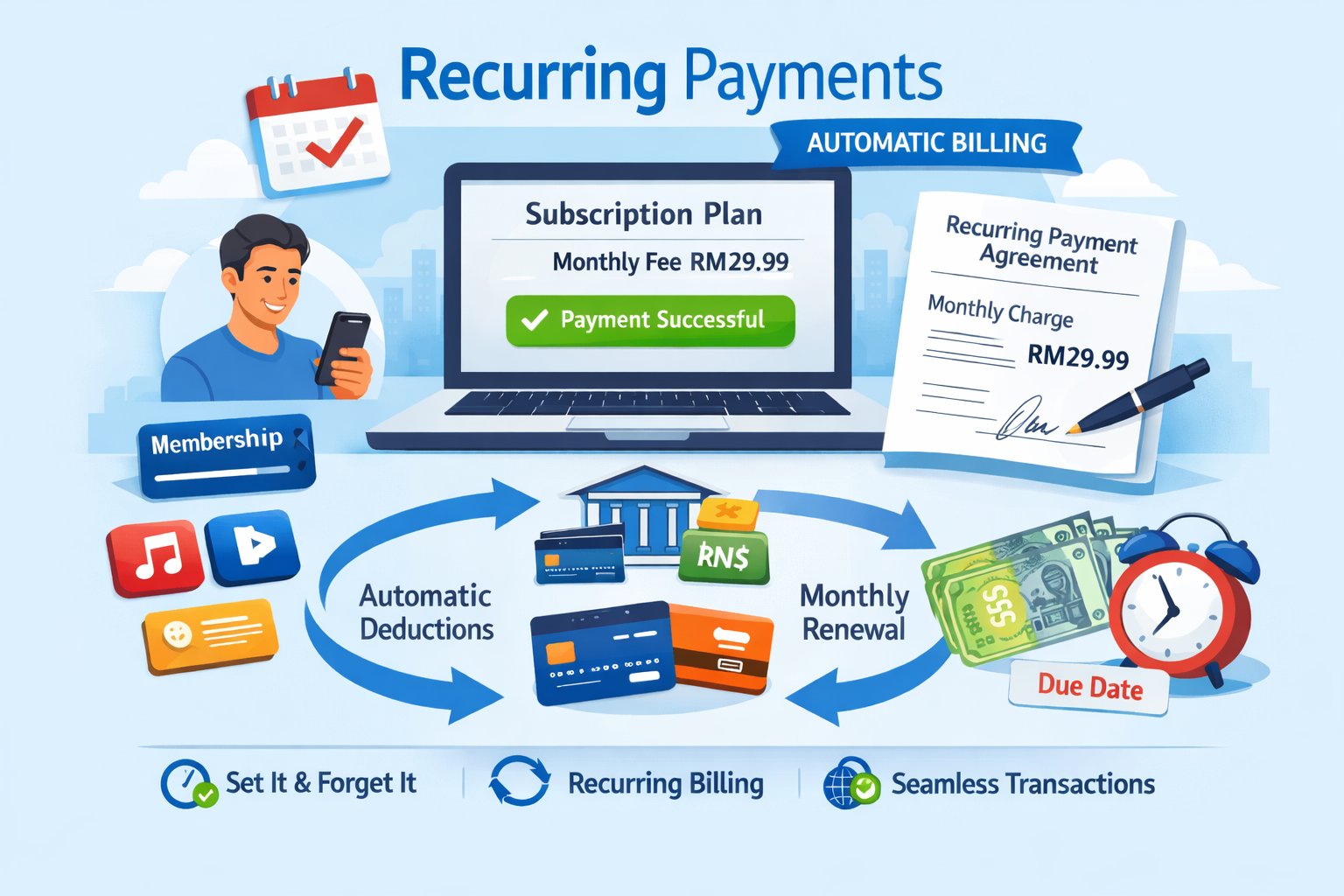 Recurring Payments let merchants automatically charge customers at scheduled intervals — **Daily, Weekly, Monthly, or Yearly** — without the customer manually initiating each payment. This is typically used for subscription-based services, where the customer authorizes the merchant once and the merchant then charges them periodically per an agreed billing cycle.
Recommended for: Subscription or membership merchants using Direct Integration who need to bill customers on a recurring schedule after a one-time authorization.
#### **Important**
Recurring Payments are only available through Direct Integration. They are not supported on Hosted Session Checkout or other integration methods (e.g., e-Commerce plugins).
#### Enabling Recurring Payments
The **Recurring Payments** feature must be approved by our business team before it can be activated for your account. Once approved, the business team will also provide the specific recurring-enabled channel(s) your integration must use — not all payment channels support recurring billing.
## Purchase Flow (Initial Payment & Authorization)
Below is the visual lifecycle of the first payment in a recurring series, where the customer authorizes future charges.
```mermaid theme={null}
sequenceDiagram
autonumber
actor Customer
participant MW as Merchant Website (Frontend)
participant MB as Merchant Backend (Server)
participant GW as CommercePay Gateway
participant PP as Payment Provider
Customer->>MW: Opt into subscription / recurring plan
MW->>MB: Notify checkout initiated
MB->>GW: Request Payment API (+ recurringPaymentInfo: id, mode, numberOfPayments, ...)
GW->>PP: Initialize transaction
PP-->>GW: Redirection URL
GW-->>MB: redirectUrl / transactionNumber
MB-->>MW: redirectUrl
MW->>Customer: Redirect to Provider page
Customer->>PP: Complete first payment + authorize future recurring charges
PP-->>GW: Webhook - first payment & authorization outcome
GW-->>MB: Signed callback (final status)
MB->>MB: Activate subscription record (keyed by recurringPaymentInfo.id)
MB-->>MW: Update order status
GW->>MW: Redirect customer to merchant page
MW->>Customer: Show receipt / subscription confirmation
```
The initial payment flow operates as follows:
The customer opts into a subscription or recurring billing plan on the merchant's website and confirms the terms.
The merchant confirms which channel(s) to use for recurring billing (provided by the CommercePay business team during enablement) and, if applicable, calls Get Provider Channels for deeper options.
The merchant backend calls the [Request Payment API](/api-reference/direct-integration-api-request-payment) with the usual payment fields, plus a **recurringPaymentInfo** object that registers the subscription: **id, mode, numberOfPayments**... (**Channel-specific fields, see table below**)
CommercePay contacts the payment provider, and the customer is redirected to the provider's page to complete the first payment and authorize future recurring charges (e.g., saving card details or DuitNow proxy consent).
The payment provider asynchronously notifies CommercePay of the first payment and authorization outcome.
CommercePay sends a signed backend-to-backend callback to the merchant with the first payment result. On success, the merchant activates the subscription record tied to **recurringPaymentInfo.id**.
The customer sees a receipt or subscription confirmation page.
## Subsequent Payments (Recurring Billing)
Once the customer has authorized the first payment, CommercePay does not automatically collect future charges — the merchant is responsible for initiating every subsequent payment. Below is the visual lifecycle of a subsequent (recurring) charge, which requires no customer interaction.
```mermaid theme={null}
sequenceDiagram
autonumber
participant BS as Merchant Billing Scheduler
participant MB as Merchant Backend (Server)
participant GW as CommercePay Gateway
participant PP as Payment Provider
Note over BS,PP: No customer interaction required
BS->>MB: Billing cycle due (Daily / Weekly / Monthly / Yearly)
MB->>GW: Request Payment API (same channelId + recurringPaymentInfo.id, new referenceCode & amount)
GW->>PP: Charge previously authorized instrument
PP-->>GW: Webhook - charge outcome
GW-->>MB: Signed callback (payment result)
alt Payment succeeded
MB->>MB: Update subscription/invoice record
else Payment declined
MB->>MB: Apply merchant's own retry/dunning logic (within numberOfPayments / expiryDate limits)
end
```
The subsequent payment flow operates as follows:
The merchant's own billing/scheduler system determines that a payment is due for a subscription, per the agreed cycle (Daily/Weekly/Monthly/Yearly).
The merchant backend calls the [Request Payment API](/api-reference/direct-integration-api-request-payment) again, using the same channel and the same **recurringPaymentInfo.id** established during the first payment, with a new **referenceCode** and **amount** for this billing cycle. No customer redirection is involved.
CommercePay forwards the charge to the payment provider, which processes it against the previously authorized instrument.
The provider asynchronously notifies CommercePay of the charge outcome.
CommercePay sends a signed callback to the merchant with the result of that billing cycle's payment.
The merchant updates its subscription/invoice records. If the charge is declined, the merchant handles retry logic on its own (within the **numberOfPayments** / **expiryDate** limits set at authorization time).
## Recurring Payment Info — Required Fields by Channel
All channels require: **id, mode, numberOfPayments**.
| Field | Credit Card | Description |
| -------------------- | ----------- | --------------------------------------------------------------------------------------------------------------- |
| id | ✅ | Unique ID assigned by the merchant to identify the subscription/customer for recurring payments |
| mode | ✅ | **1**=Daily, **2**=Weekly, **3**=Monthly, **4**=Yearly |
| numberOfPayments | ✅ | Max recurring frequency count, up to 999 (e.g., mode=Monthly + numberOfPayments=12 = 1 year of monthly charges) |
| expiryDate | ✅ | Recurring expiry date, format **ddMMyyyy** (e.g. **20122022**) |
| isFixedAmount | ✅ | Whether every recurring charge is a fixed amount |
| maximumPaymentAmount | - | Maximum amount allowed per recurring charge |
| effectiveDate | optional | Recurring start date, format **ddMMyyyy** |
Recurring Payments let merchants automatically charge customers at scheduled intervals — **Daily, Weekly, Monthly, or Yearly** — without the customer manually initiating each payment. This is typically used for subscription-based services, where the customer authorizes the merchant once and the merchant then charges them periodically per an agreed billing cycle.
Recommended for: Subscription or membership merchants using Direct Integration who need to bill customers on a recurring schedule after a one-time authorization.
#### **Important**
Recurring Payments are only available through Direct Integration. They are not supported on Hosted Session Checkout or other integration methods (e.g., e-Commerce plugins).
#### Enabling Recurring Payments
The **Recurring Payments** feature must be approved by our business team before it can be activated for your account. Once approved, the business team will also provide the specific recurring-enabled channel(s) your integration must use — not all payment channels support recurring billing.
## Purchase Flow (Initial Payment & Authorization)
Below is the visual lifecycle of the first payment in a recurring series, where the customer authorizes future charges.
```mermaid theme={null}
sequenceDiagram
autonumber
actor Customer
participant MW as Merchant Website (Frontend)
participant MB as Merchant Backend (Server)
participant GW as CommercePay Gateway
participant PP as Payment Provider
Customer->>MW: Opt into subscription / recurring plan
MW->>MB: Notify checkout initiated
MB->>GW: Request Payment API (+ recurringPaymentInfo: id, mode, numberOfPayments, ...)
GW->>PP: Initialize transaction
PP-->>GW: Redirection URL
GW-->>MB: redirectUrl / transactionNumber
MB-->>MW: redirectUrl
MW->>Customer: Redirect to Provider page
Customer->>PP: Complete first payment + authorize future recurring charges
PP-->>GW: Webhook - first payment & authorization outcome
GW-->>MB: Signed callback (final status)
MB->>MB: Activate subscription record (keyed by recurringPaymentInfo.id)
MB-->>MW: Update order status
GW->>MW: Redirect customer to merchant page
MW->>Customer: Show receipt / subscription confirmation
```
The initial payment flow operates as follows:
The customer opts into a subscription or recurring billing plan on the merchant's website and confirms the terms.
The merchant confirms which channel(s) to use for recurring billing (provided by the CommercePay business team during enablement) and, if applicable, calls Get Provider Channels for deeper options.
The merchant backend calls the [Request Payment API](/api-reference/direct-integration-api-request-payment) with the usual payment fields, plus a **recurringPaymentInfo** object that registers the subscription: **id, mode, numberOfPayments**... (**Channel-specific fields, see table below**)
CommercePay contacts the payment provider, and the customer is redirected to the provider's page to complete the first payment and authorize future recurring charges (e.g., saving card details or DuitNow proxy consent).
The payment provider asynchronously notifies CommercePay of the first payment and authorization outcome.
CommercePay sends a signed backend-to-backend callback to the merchant with the first payment result. On success, the merchant activates the subscription record tied to **recurringPaymentInfo.id**.
The customer sees a receipt or subscription confirmation page.
## Subsequent Payments (Recurring Billing)
Once the customer has authorized the first payment, CommercePay does not automatically collect future charges — the merchant is responsible for initiating every subsequent payment. Below is the visual lifecycle of a subsequent (recurring) charge, which requires no customer interaction.
```mermaid theme={null}
sequenceDiagram
autonumber
participant BS as Merchant Billing Scheduler
participant MB as Merchant Backend (Server)
participant GW as CommercePay Gateway
participant PP as Payment Provider
Note over BS,PP: No customer interaction required
BS->>MB: Billing cycle due (Daily / Weekly / Monthly / Yearly)
MB->>GW: Request Payment API (same channelId + recurringPaymentInfo.id, new referenceCode & amount)
GW->>PP: Charge previously authorized instrument
PP-->>GW: Webhook - charge outcome
GW-->>MB: Signed callback (payment result)
alt Payment succeeded
MB->>MB: Update subscription/invoice record
else Payment declined
MB->>MB: Apply merchant's own retry/dunning logic (within numberOfPayments / expiryDate limits)
end
```
The subsequent payment flow operates as follows:
The merchant's own billing/scheduler system determines that a payment is due for a subscription, per the agreed cycle (Daily/Weekly/Monthly/Yearly).
The merchant backend calls the [Request Payment API](/api-reference/direct-integration-api-request-payment) again, using the same channel and the same **recurringPaymentInfo.id** established during the first payment, with a new **referenceCode** and **amount** for this billing cycle. No customer redirection is involved.
CommercePay forwards the charge to the payment provider, which processes it against the previously authorized instrument.
The provider asynchronously notifies CommercePay of the charge outcome.
CommercePay sends a signed callback to the merchant with the result of that billing cycle's payment.
The merchant updates its subscription/invoice records. If the charge is declined, the merchant handles retry logic on its own (within the **numberOfPayments** / **expiryDate** limits set at authorization time).
## Recurring Payment Info — Required Fields by Channel
All channels require: **id, mode, numberOfPayments**.
| Field | Credit Card | Description |
| -------------------- | ----------- | --------------------------------------------------------------------------------------------------------------- |
| id | ✅ | Unique ID assigned by the merchant to identify the subscription/customer for recurring payments |
| mode | ✅ | **1**=Daily, **2**=Weekly, **3**=Monthly, **4**=Yearly |
| numberOfPayments | ✅ | Max recurring frequency count, up to 999 (e.g., mode=Monthly + numberOfPayments=12 = 1 year of monthly charges) |
| expiryDate | ✅ | Recurring expiry date, format **ddMMyyyy** (e.g. **20122022**) |
| isFixedAmount | ✅ | Whether every recurring charge is a fixed amount |
| maximumPaymentAmount | - | Maximum amount allowed per recurring charge |
| effectiveDate | optional | Recurring start date, format **ddMMyyyy** |