
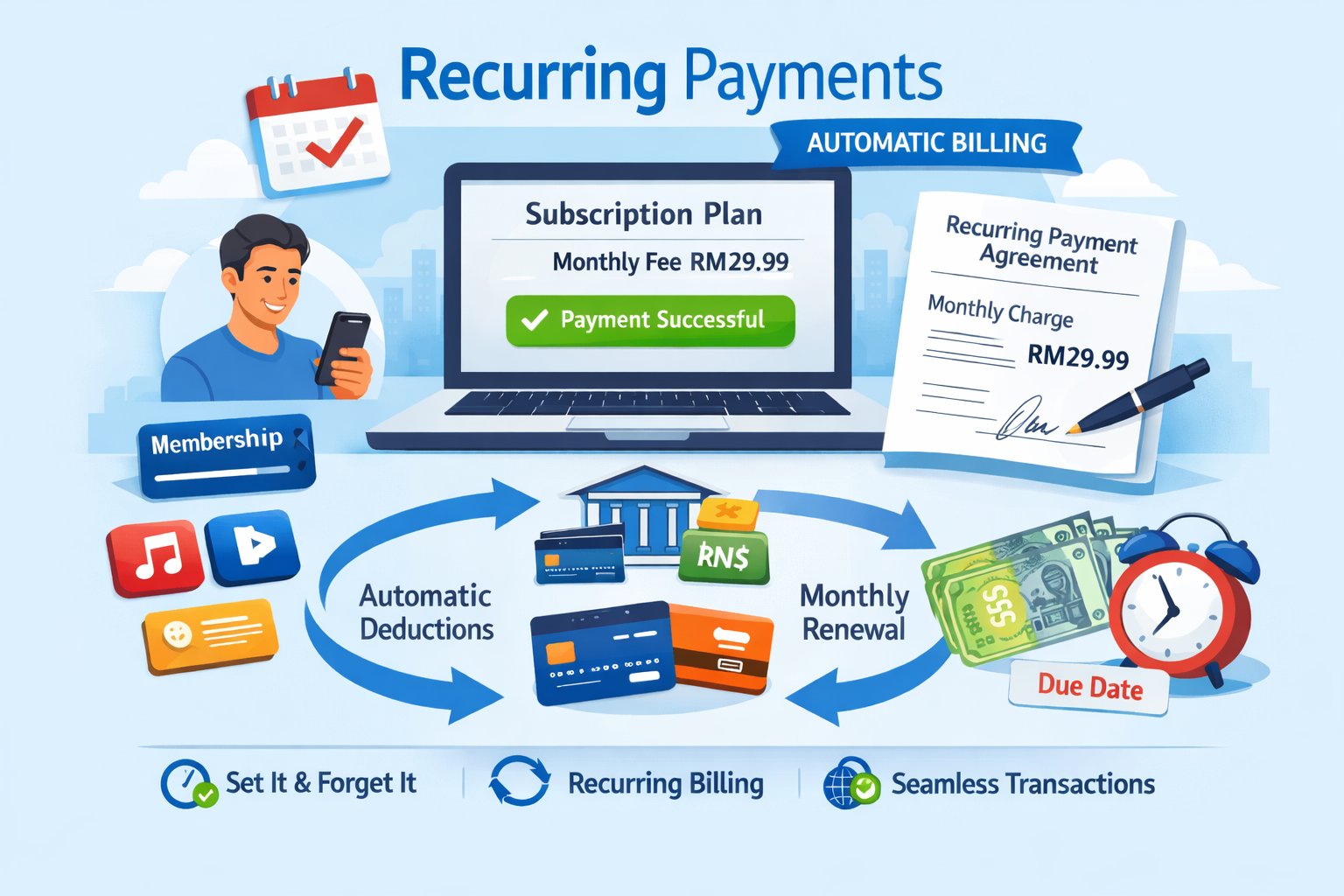
Purchase Flow (Initial Payment & Authorization)
Below is the visual lifecycle of the first payment in a recurring series, where the customer authorizes future charges. The initial payment flow operates as follows:1
Checkout Initiation
The customer opts into a subscription or recurring billing plan on the merchant’s website and confirms the terms.
2
Fetch Recurring-Enabled Channels
The merchant confirms which channel(s) to use for recurring billing (provided by the CommercePay business team during enablement) and, if applicable, calls Get Provider Channels for deeper options.
3
Initiate First Payment Request
The merchant backend calls the Request Payment API with the usual payment fields, plus a recurringPaymentInfo object that registers the subscription: id, mode, numberOfPayments… (Channel-specific fields, see table below)
4
Provider Redirection & Consent
CommercePay contacts the payment provider, and the customer is redirected to the provider’s page to complete the first payment and authorize future recurring charges (e.g., saving card details or DuitNow proxy consent).
5
Provider Webhook
The payment provider asynchronously notifies CommercePay of the first payment and authorization outcome.
6
Merchant Callback
CommercePay sends a signed backend-to-backend callback to the merchant with the first payment result. On success, the merchant activates the subscription record tied to recurringPaymentInfo.id.
7
Order Confirmation
The customer sees a receipt or subscription confirmation page.
Subsequent Payments (Recurring Billing)
Once the customer has authorized the first payment, CommercePay does not automatically collect future charges — the merchant is responsible for initiating every subsequent payment. Below is the visual lifecycle of a subsequent (recurring) charge, which requires no customer interaction. The subsequent payment flow operates as follows:1
Billing Cycle Trigger
The merchant’s own billing/scheduler system determines that a payment is due for a subscription, per the agreed cycle (Daily/Weekly/Monthly/Yearly).
2
Initiate Subsequent Payment Request
The merchant backend calls the Request Payment API again, using the same channel and the same recurringPaymentInfo.id established during the first payment, with a new referenceCode and amount for this billing cycle. No customer redirection is involved.
3
Provider Processing
CommercePay forwards the charge to the payment provider, which processes it against the previously authorized instrument.
4
Provider Webhook
The provider asynchronously notifies CommercePay of the charge outcome.
5
Merchant Callback
CommercePay sends a signed callback to the merchant with the result of that billing cycle’s payment.
6
Status Handling
The merchant updates its subscription/invoice records. If the charge is declined, the merchant handles retry logic on its own (within the numberOfPayments / expiryDate limits set at authorization time).